Homemade UNO
Visit ProductRole
Product owner
Type
Built with Kiro (AI-DLC)
Overview
I wanted to play Uno with friends in a 2v2 mode, where partners see each other's cards and play together. I couldn't find that in most Uno games, so I had AI agents build it. Kiro wrote all of the code. I described what I wanted and tested every flow end to end by playing it. I followed the AI-DLC method, reviewing the requirements and tasks, and asked the AI to add animations wherever they were needed.
Homemade Uno is a web app for playing Uno with friends in real time, on a phone, tablet, or desktop. You create a room, share the code, and play. No account is needed. It includes calling and catching UNO, stacking +2/+4 cards, a Team mode where partners can see each other's hands, and auto-pause with a grace period when a player disconnects. It is also a Progressive Web App (PWA), so it can be installed to the home screen and opened like a native app.
Features
Works on any screen
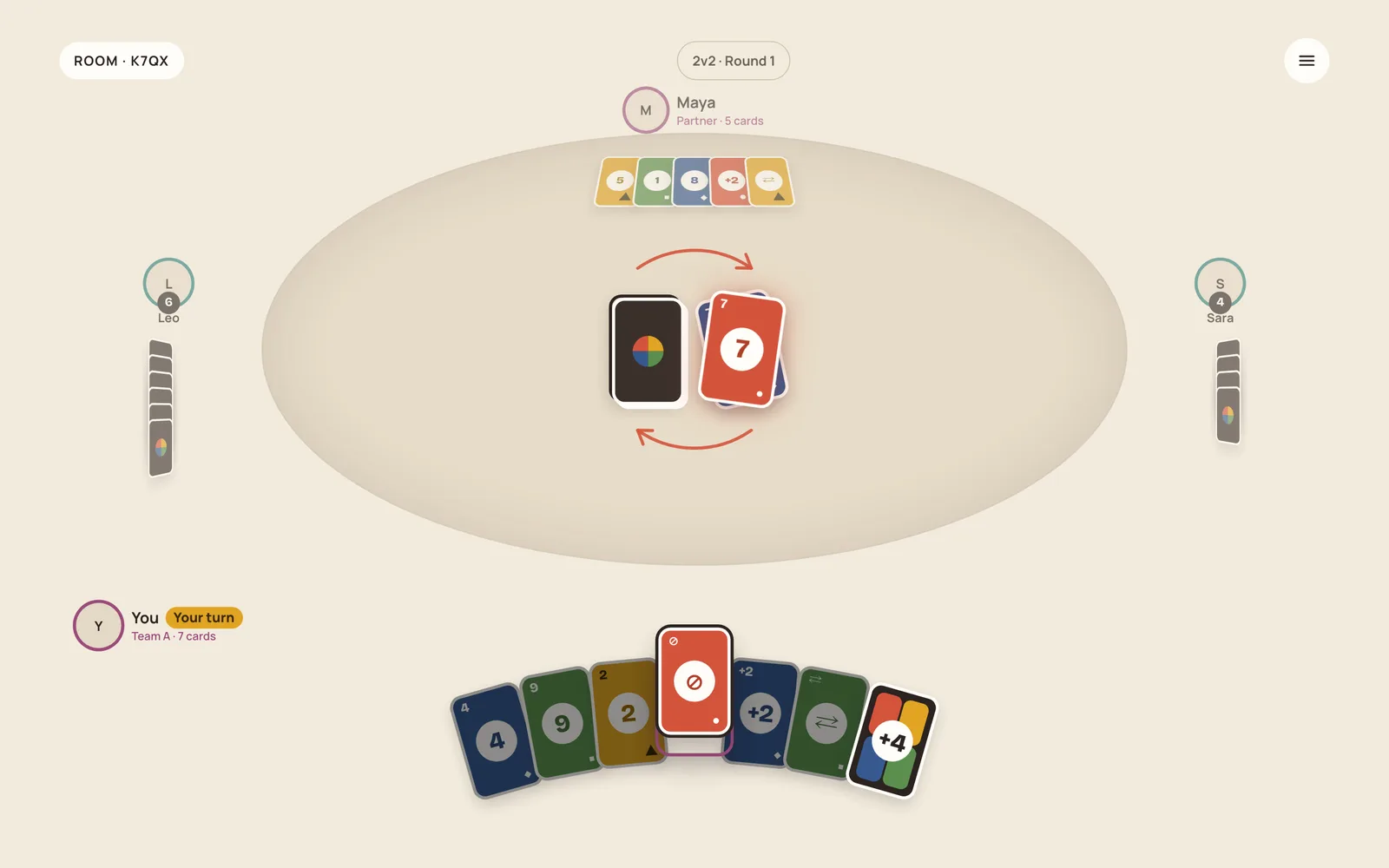
The layout adapts from a phone in portrait to a tablet or desktop in landscape, so everyone at the table can play on whatever device they have.
Rooms, no accounts
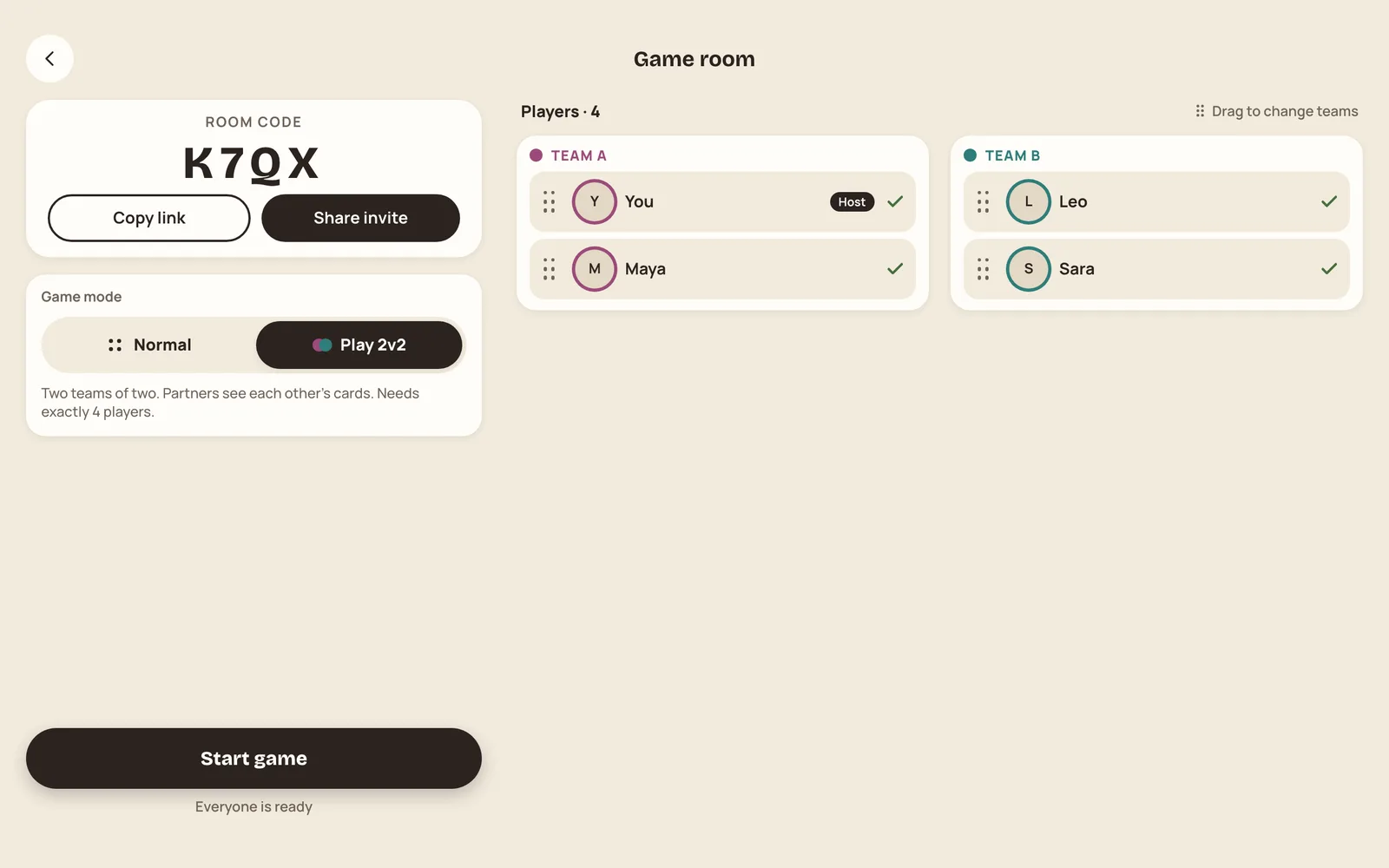
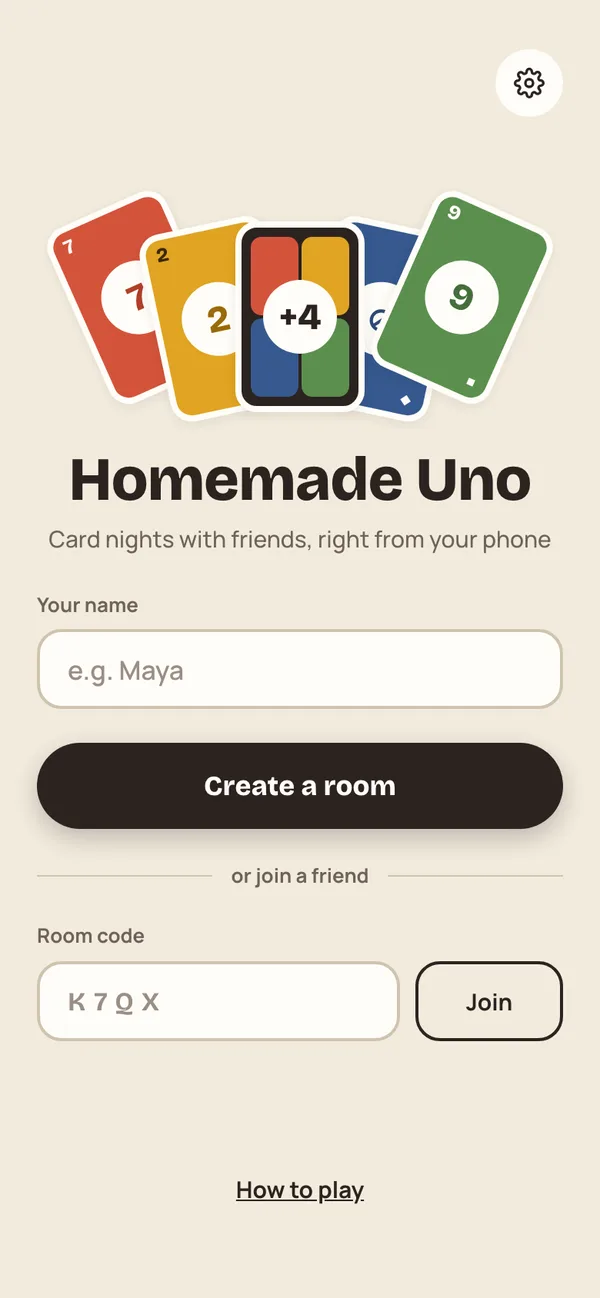
Enter a name, create a room, and share the four-letter code or an invite link. Friends join using anonymous sign-in, so nobody has to register before a game.
2v2 Team mode
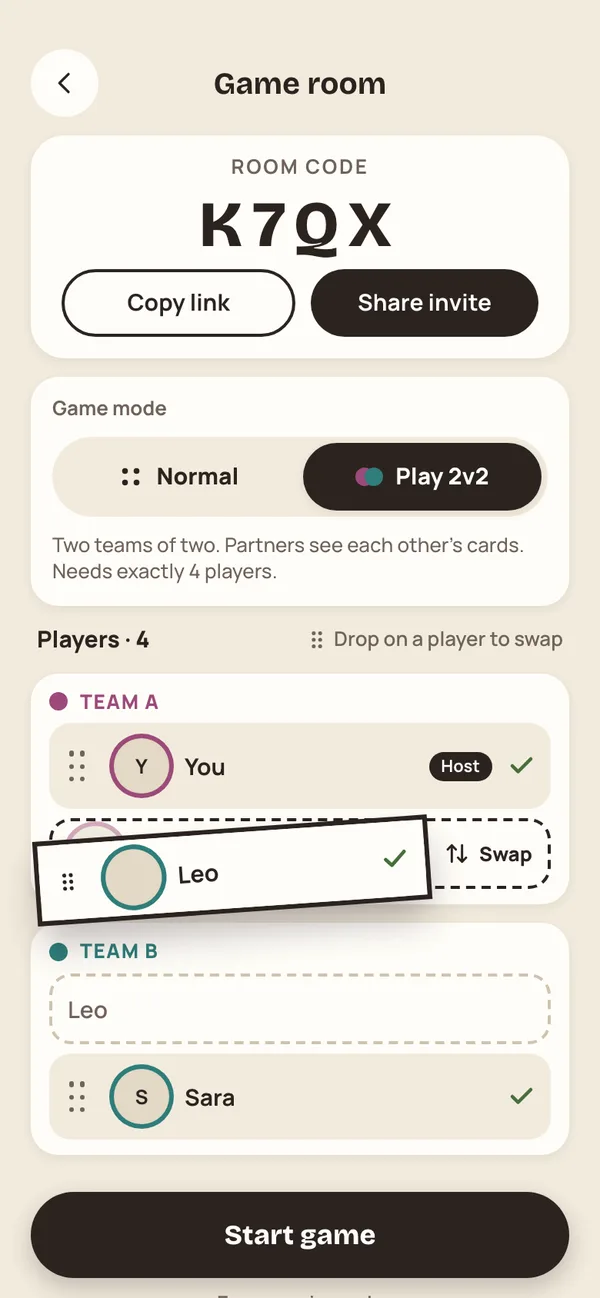
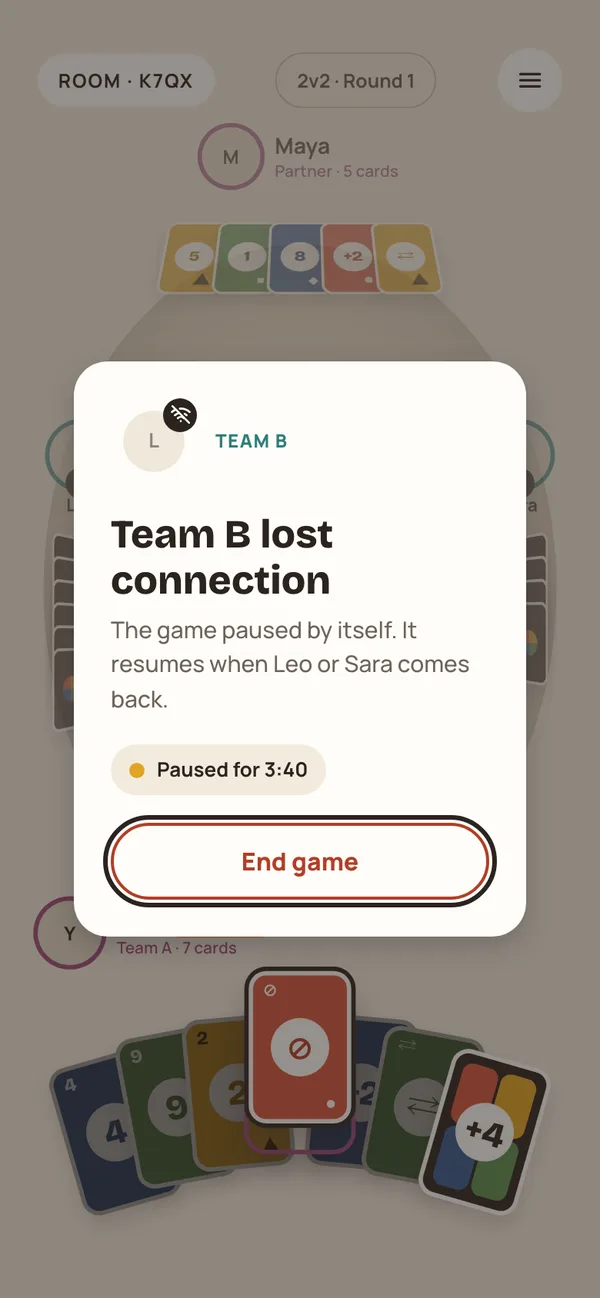
The twist on regular Uno: two teams of two, where partners see each other's cards and play together. Pick the mode in the game room and drag players between teams. During the game, your partner's hand is shown face-up at the top of the table.
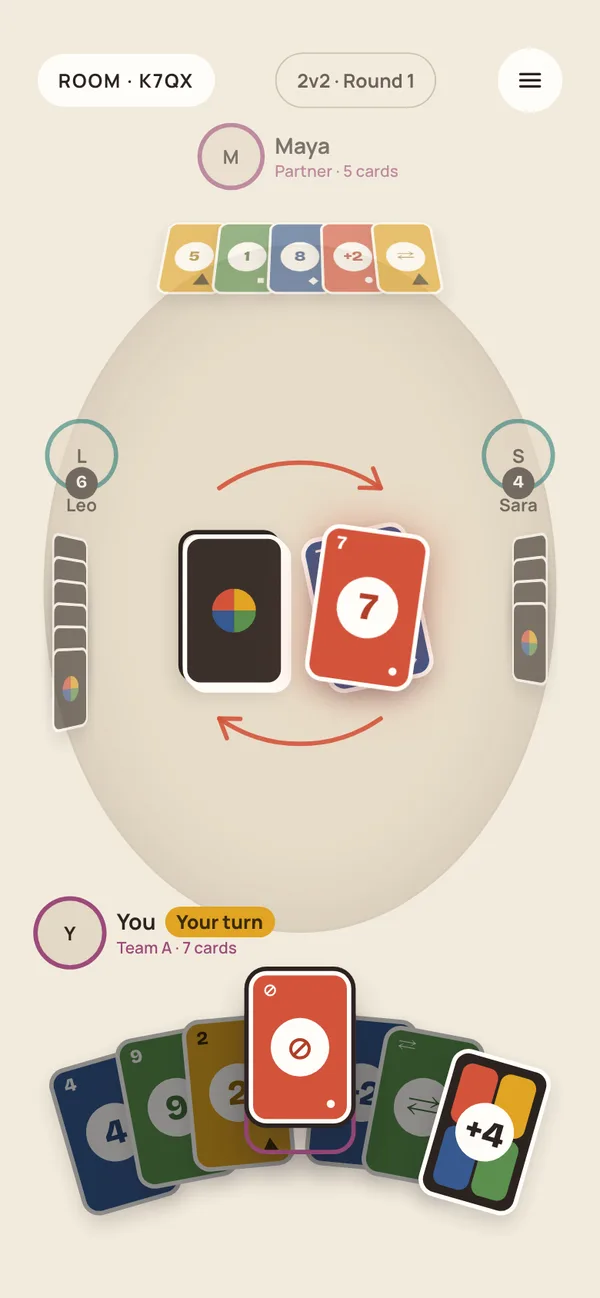
The rules you play at home
Stack +2 and +4 cards, pick a color after a wild card, and choose whether to play or keep a card you just drew.
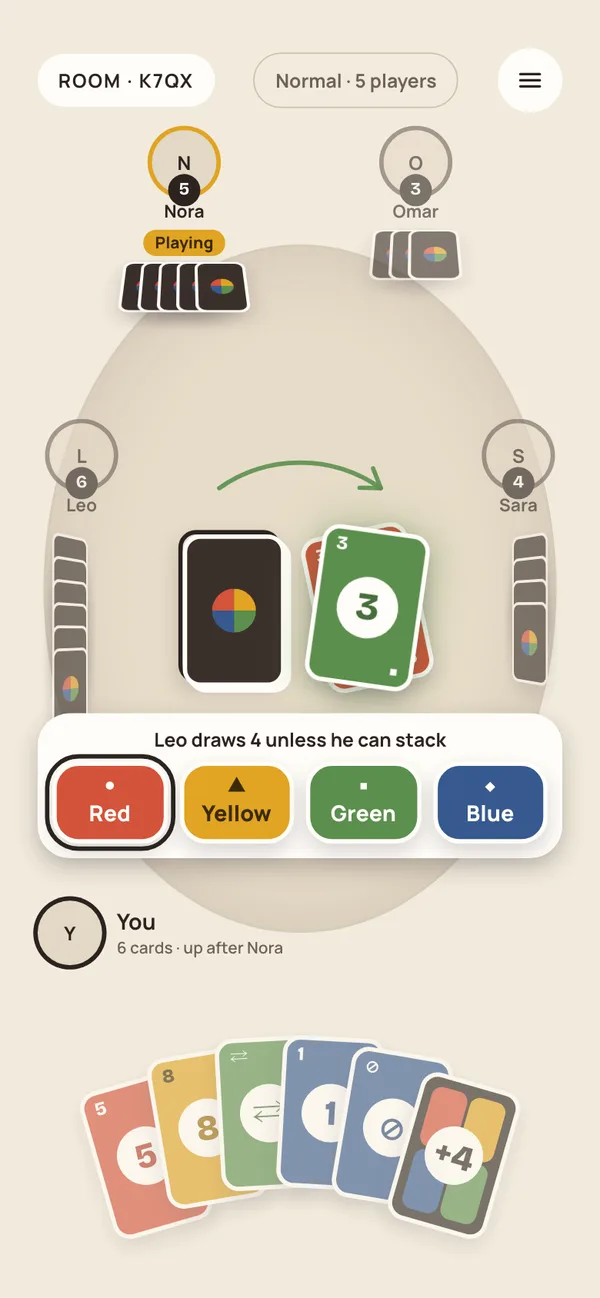
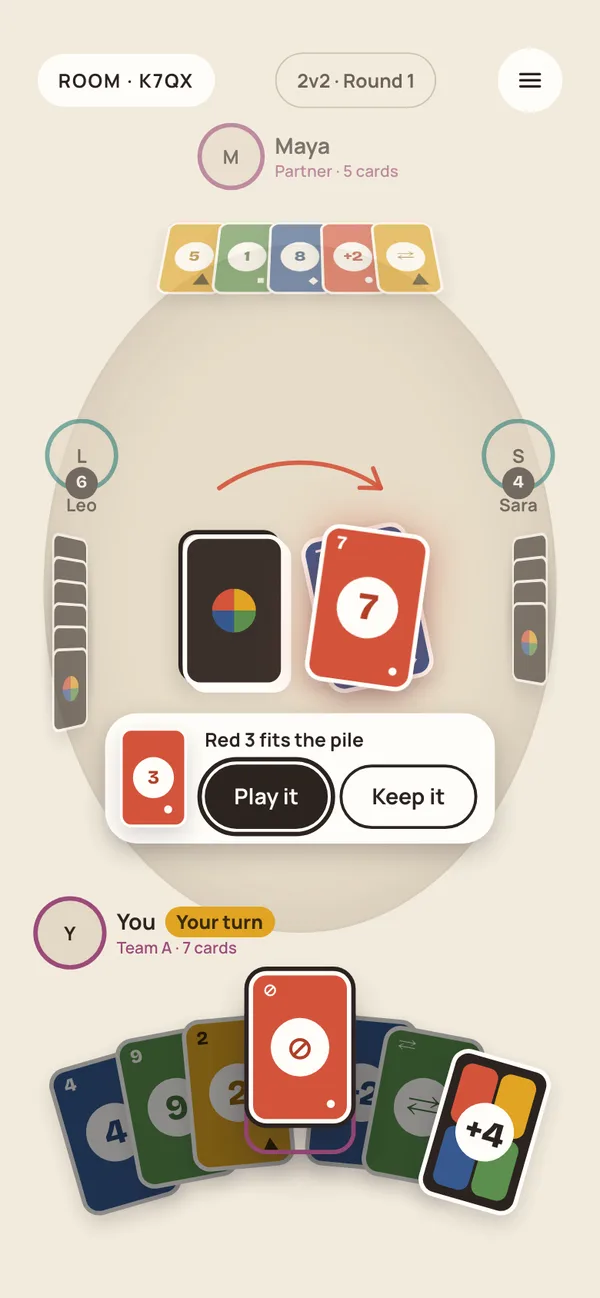
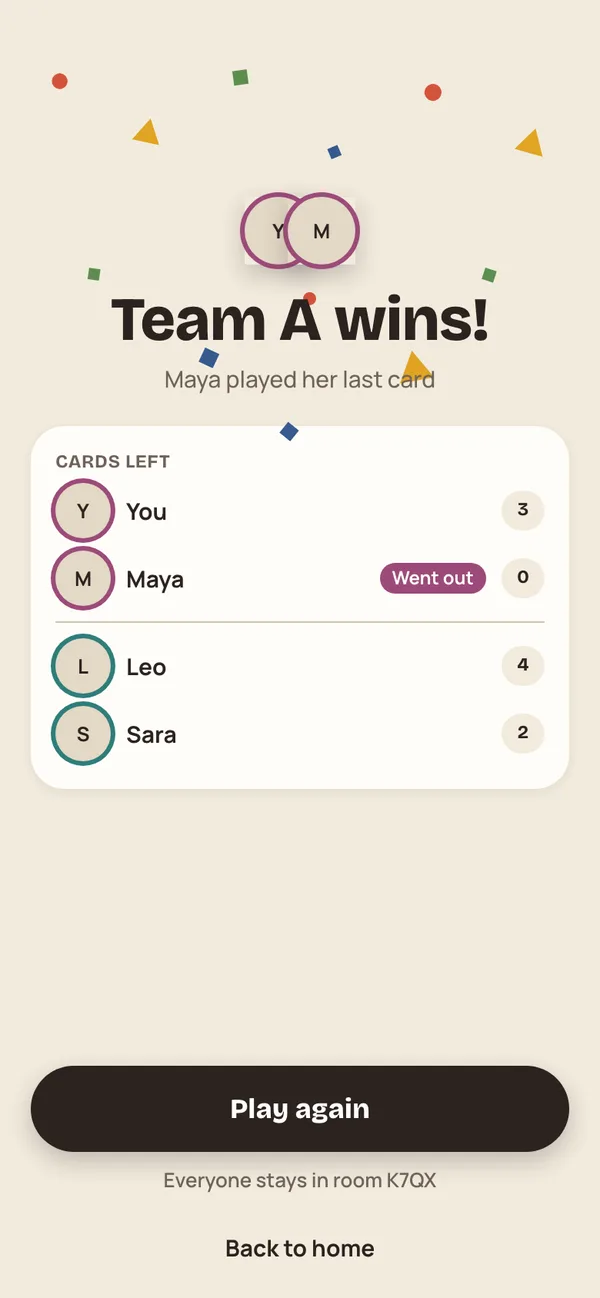
Handles dropped connections
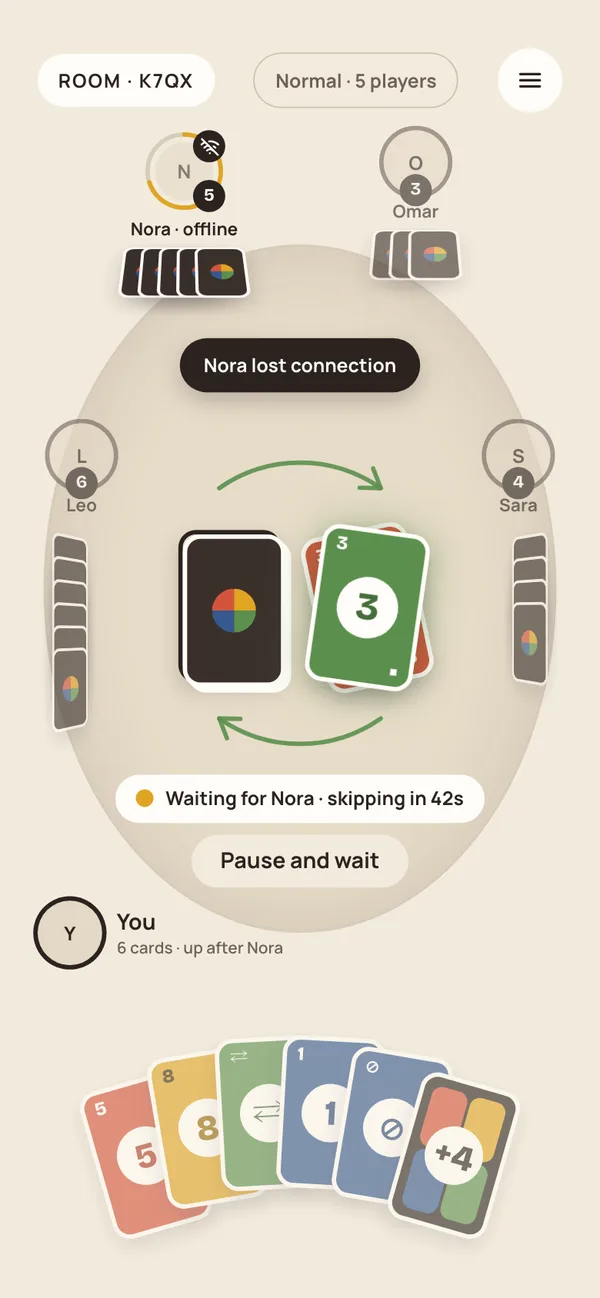
When a player loses connection, the game waits for them with a grace period and skips their turns if needed. In 2v2, if a whole team drops, the game pauses by itself and resumes when they come back.
Server-authoritative game engine
- •One rules engine, written as a pure TypeScript reducer, is shared by the React client and a Supabase Edge Function
- •The server checks and applies every move in an atomic transaction, so players can't cheat or get out of sync
- •Each player's screen updates instantly over Supabase Realtime
- •Row Level Security keeps each hand private, readable only by its owner and, in Team mode, their partner
Automated tests
- •Property-based tests with fast-check for the game rules
- •Component tests with Vitest and React Testing Library
- •Playwright visual tests comparing each screen against the design mockups, in portrait and landscape